 Backup My Photo
Backup My Photo for iOS
Backup My Photo
Backup My Photo
Backup My Photo for iOS
Backup My Photo automatically backs up your iPhone photos to your own server—at home or anywhere via iCloud. No cloud subscriptions, no monthly fees, complete privacy.
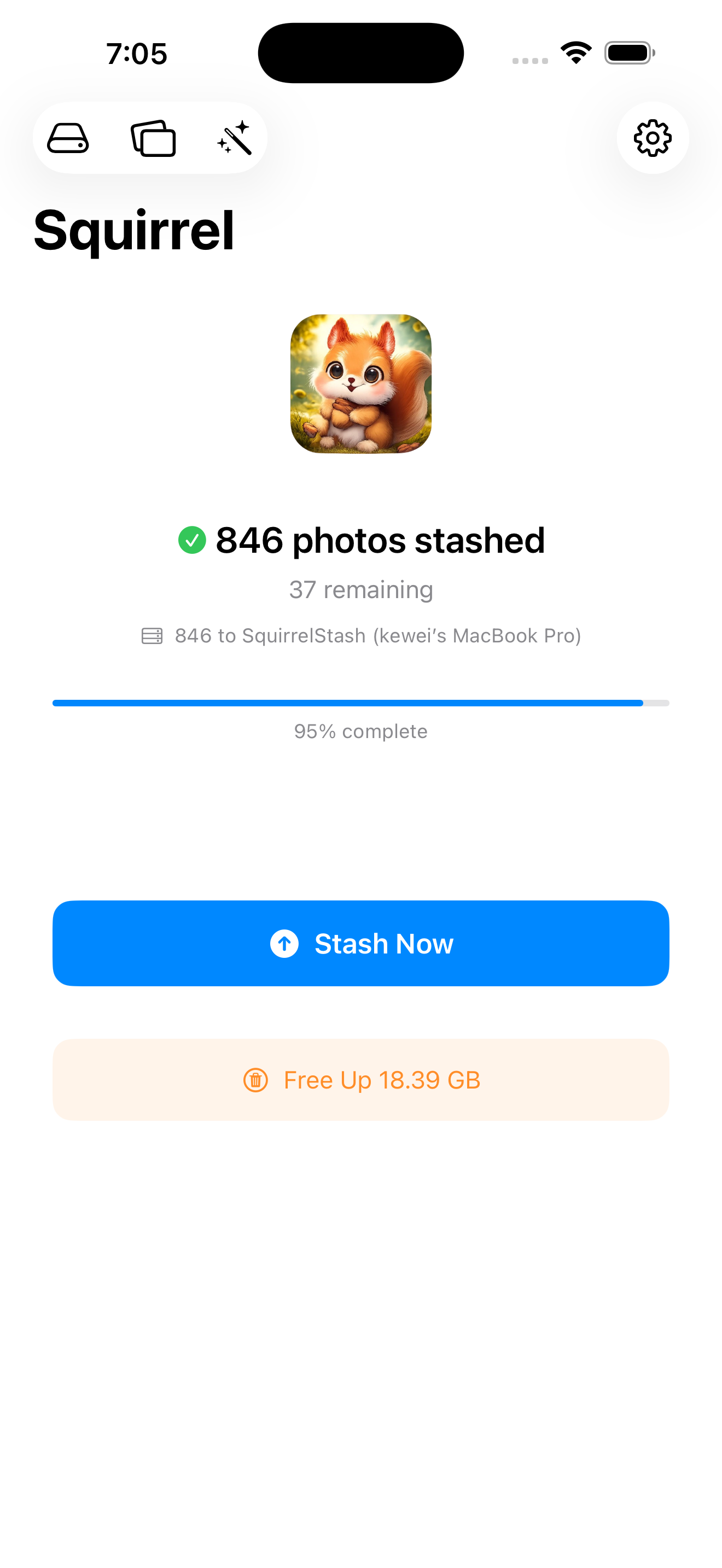
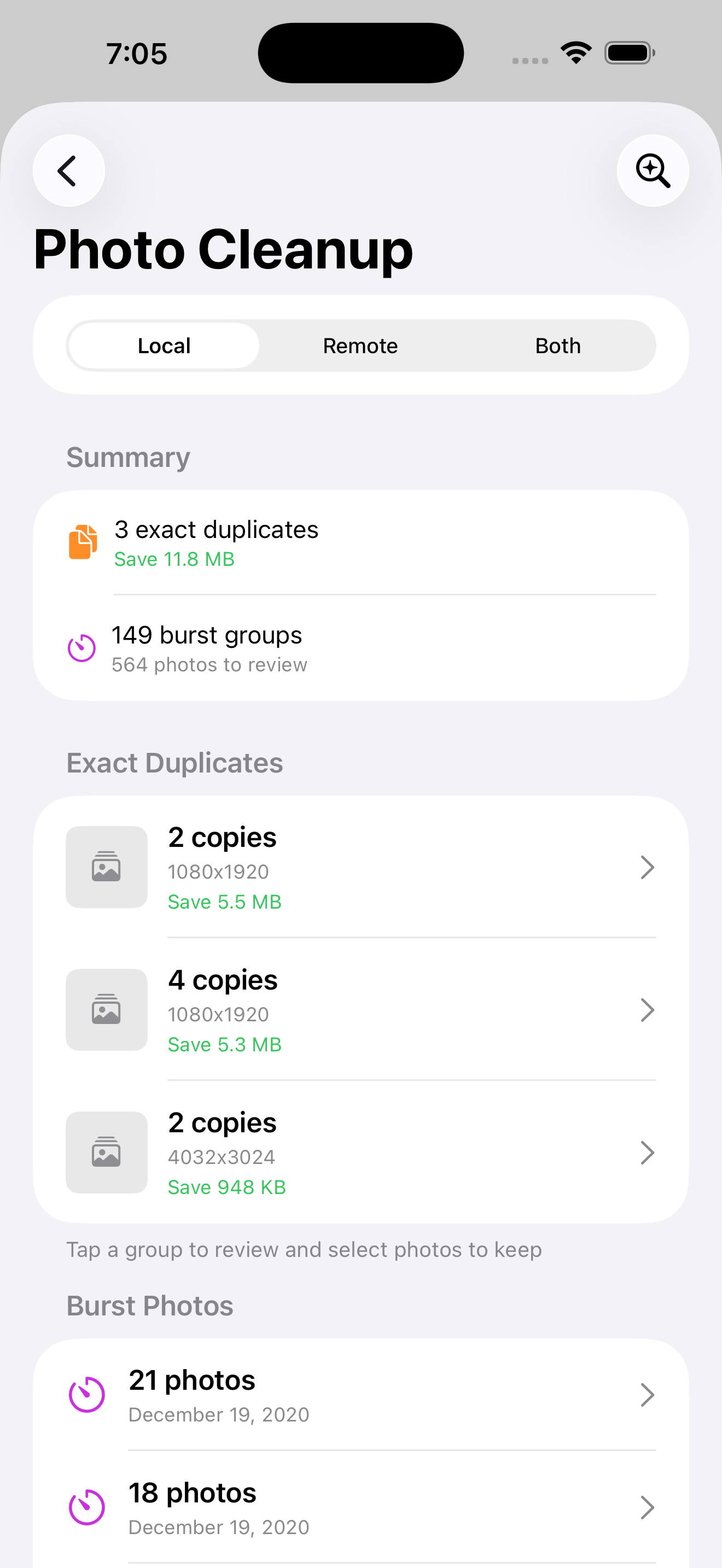
Everything you need to manage your photo backups
See your backup progress at a glance. Free up iPhone storage with photos safely stored on your server.
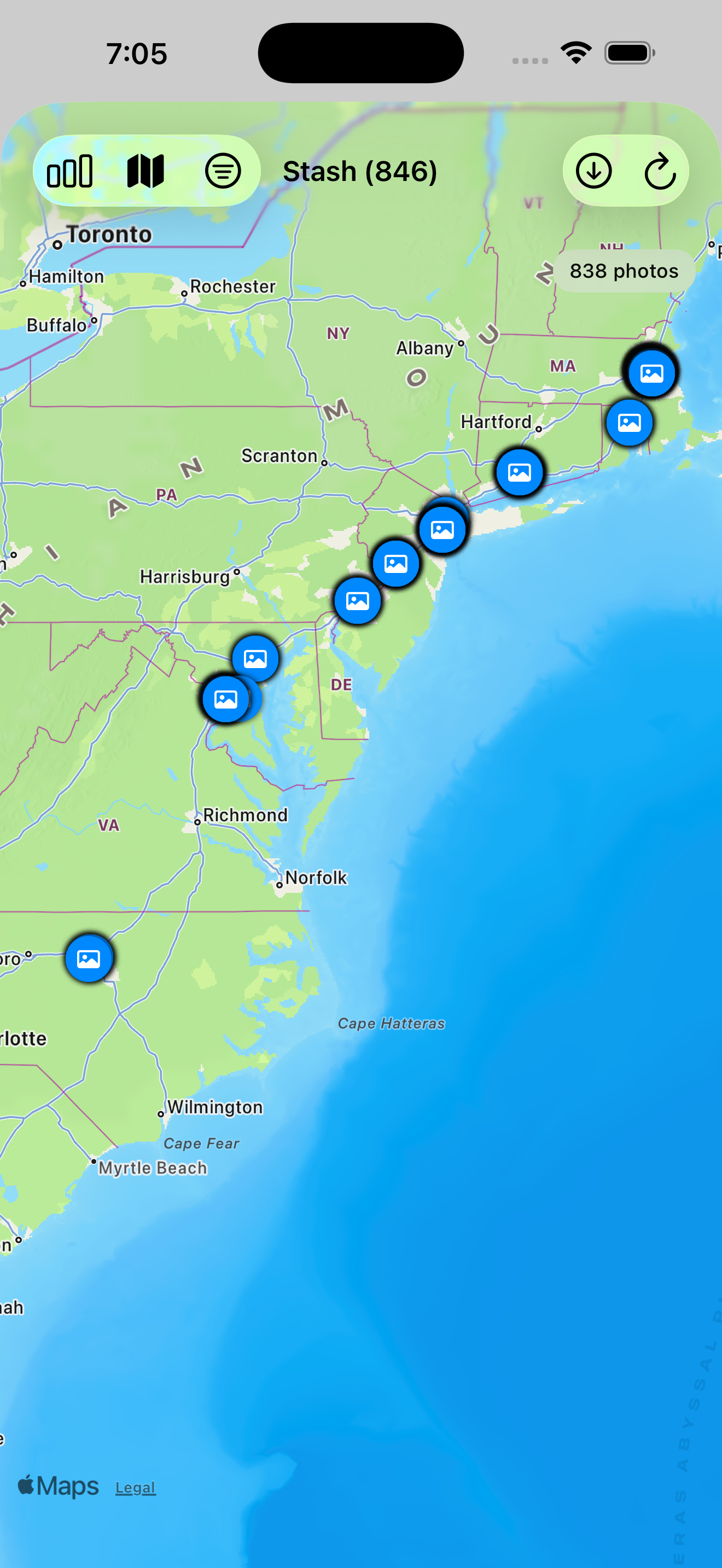
Browse your photos by location. See where your memories were captured on an interactive map.
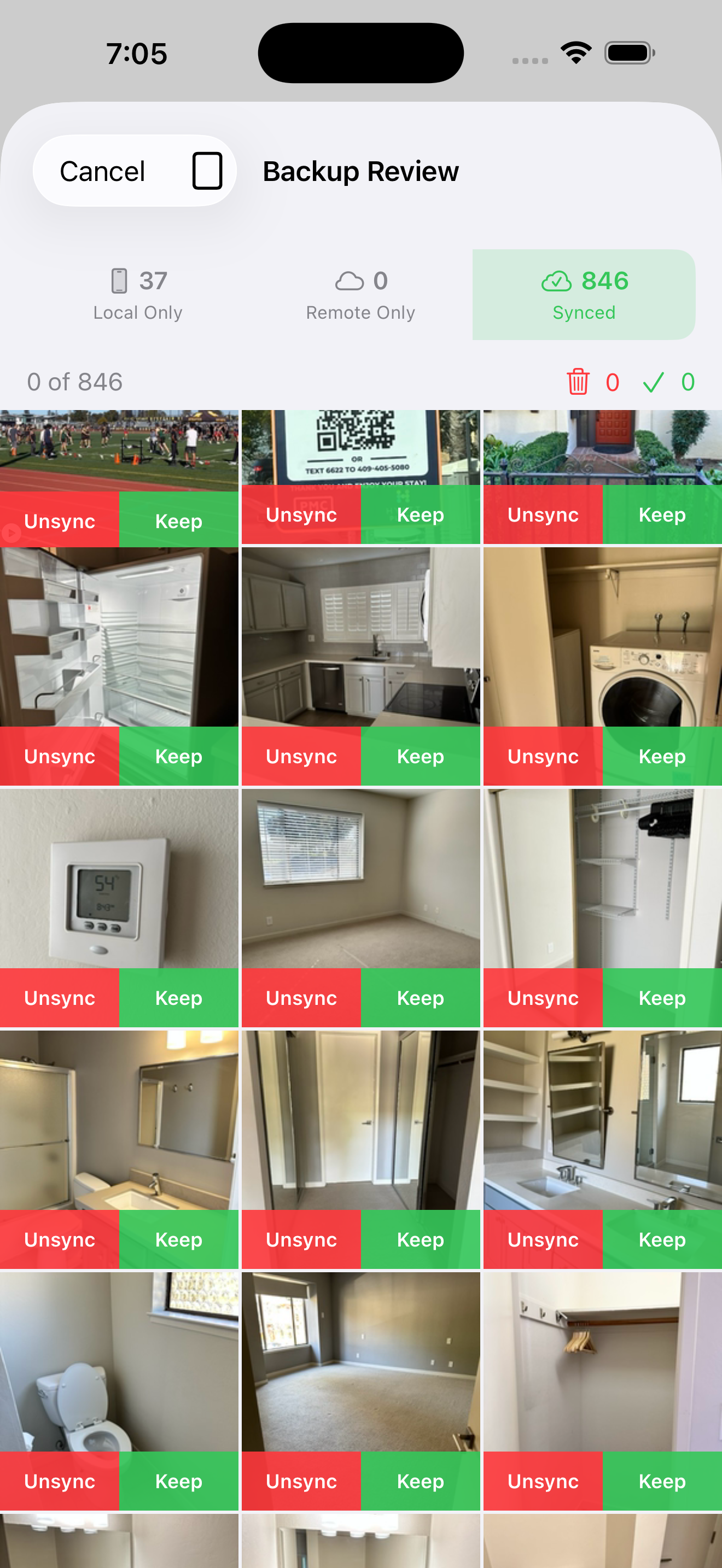
Review synced photos and choose what to keep locally or unsync to save space.
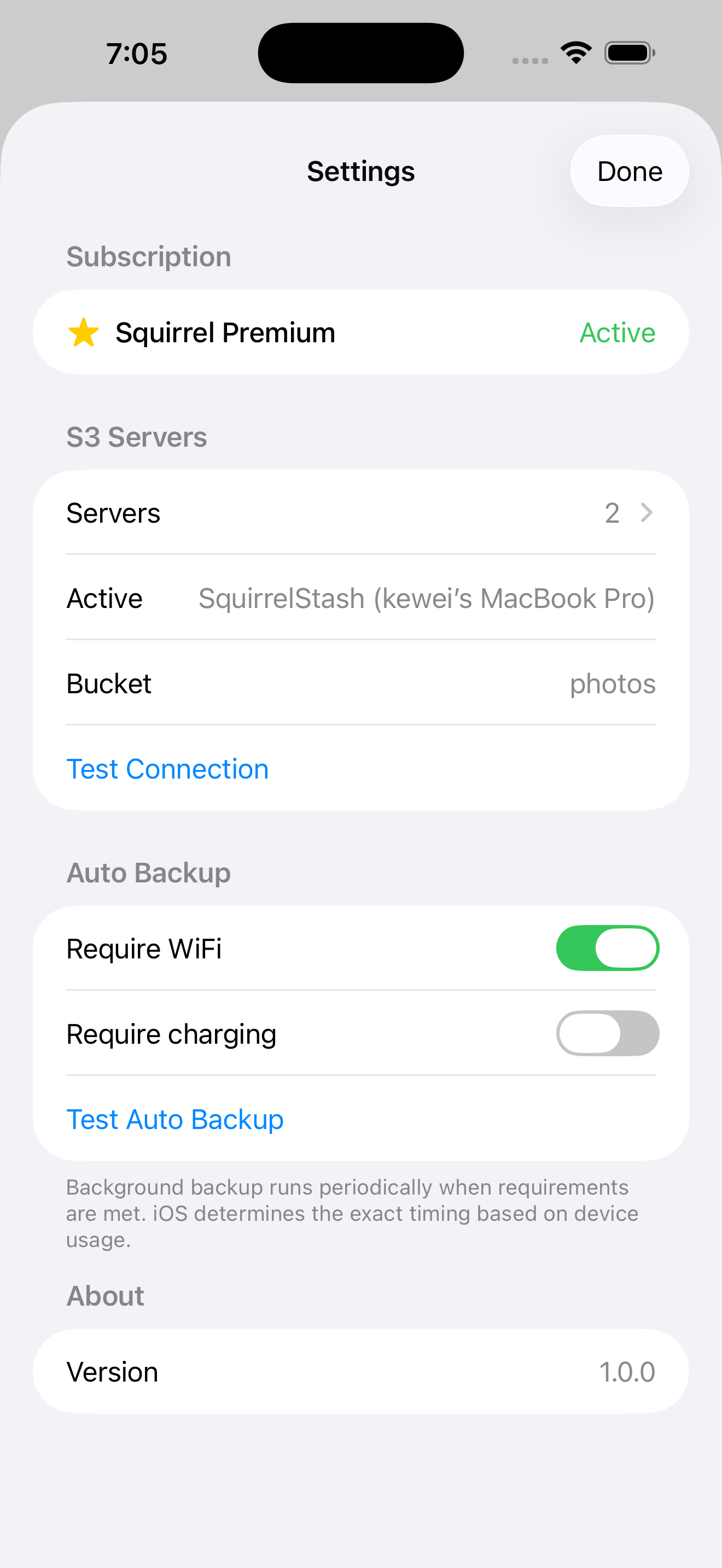
Configure automatic backups on WiFi or while charging. Set it and forget it.
Servers are discovered automatically on WiFi. Add iCloud for remote backup from anywhere.
Find any photo or video in seconds
Just type what you're looking for—"birthday cake", "beach sunset", or "dog playing in park". Your photos and videos appear instantly.
Found a photo you love? Tap it to find more like it. Perfect for gathering all photos from the same event or location.
Browse your photos on an interactive map. Tap any location to see all the memories captured there. Perfect for reliving trips and adventures.
Search isn't limited to photos. Find specific moments in your videos just as easily. No more scrubbing through hours of footage.
Take control of your photo backups
Your photos stay on your devices. No third-party cloud storage, no data mining, no surprises.
New photos backup automatically whenever you're connected to your server—on WiFi or via iCloud.
Back up photos from anywhere using iCloud relay. No port forwarding or network configuration needed.
Browse your backed-up photos on an interactive map. Relive memories by location.
Search photos and videos by describing what's in them. Find "sunset at beach" or "kids playing soccer" instantly.
Your photos are safe even if your iPhone is lost, stolen, or damaged. Restore everything to a new device.
 Backup My Photo for Mac
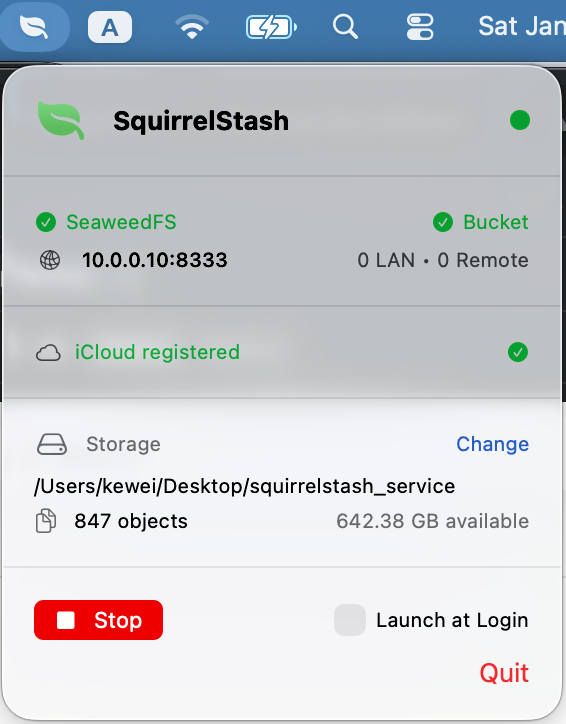
Backup My Photo turns your Mac into a secure home for all your photos. It runs quietly in the background, always ready to receive photos from your iPhone. Your memories stay on your own computer—private, protected, and always accessible.
Get started in minutes
Download and run Backup My Photo on your Mac. Choose a folder for photo storage.
Install Backup My Photo on your iPhone. It automatically discovers your server on WiFi.
Photos backup automatically to your Mac. Browse them anytime in the Backup My Photo app.
Sign in to the same iCloud account on your iPhone and Mac—that's it. Everything else is automatic.
The fastest way to backup. Just plug your iPhone into your Mac with a cable. Backup My Photo detects the connection instantly and backs up at maximum speed.
FastestWhen both devices are on the same WiFi, they find each other automatically. No setup, no configuration—just connect to WiFi and your photos start backing up.
RecommendedAway from home? Your iPhone backs up over cellular through iCloud. Whether you're traveling or just out for the day, your photos are always protected.
Works AnywhereBackup My Photo automatically picks the fastest available connection. Plug in a USB cable mid-backup? It switches instantly. Unplug? It continues over WiFi. Seamless.
SmartiOS 17.0+ / iPhone
macOS 14.0+ / Apple Silicon or Intel
Required on both devices
Free for personal use